Which Method Should You Use?
71bet supports five local payment methods. All of them are instant or near-instant, with no processing fee charged by the platform. Use the table below to pick the right one for your situation.
| Method | Min Deposit | Arrival Time | 71bet Fee | Best For |
|---|---|---|---|---|
| bKash | ৳250 | ~5 minutes | Free | Most players — widest network |
| Nagad | ৳250 | ~5 minutes | Free | Lower Nagad transfer charges |
| Rocket | ৳250 | ~5 minutes | Free | Dutch-Bangla Bank account holders |
| Upay | ৳250 | ~5 minutes | Free | UCB mobile banking users |
| Bank Transfer | ৳250 | ~5 minutes | Free | Large deposits, corporate accounts |
Arrival time starts from when the transaction is confirmed by your wallet or bank. Network congestion on your provider's side can occasionally add a few extra minutes.
How to Make Your First Deposit at 71bet
Whatever method you choose, the starting point is always the same: log in to 71bet and open the Deposit page. These four steps apply to every method.
-
1
Log In to Your Account
Go to 71bet Login and enter your mobile number and password. If you do not have an account yet, register first — it takes under two minutes.
-
2
Open the Deposit Page
Tap your wallet icon or the green "Deposit" button in the top menu. You will see all five available payment methods listed.
-
3
Choose a Method and Amount
Select your preferred method, enter the amount (minimum ৳250), and copy the 71bet account number shown on screen. Do not close this page.
-
4
Send the Money and Submit the Reference
Open your wallet app, send the exact amount to the number provided, then return to 71bet, paste your transaction ID, and tap "Confirm Deposit." Funds appear in about 5 minutes.
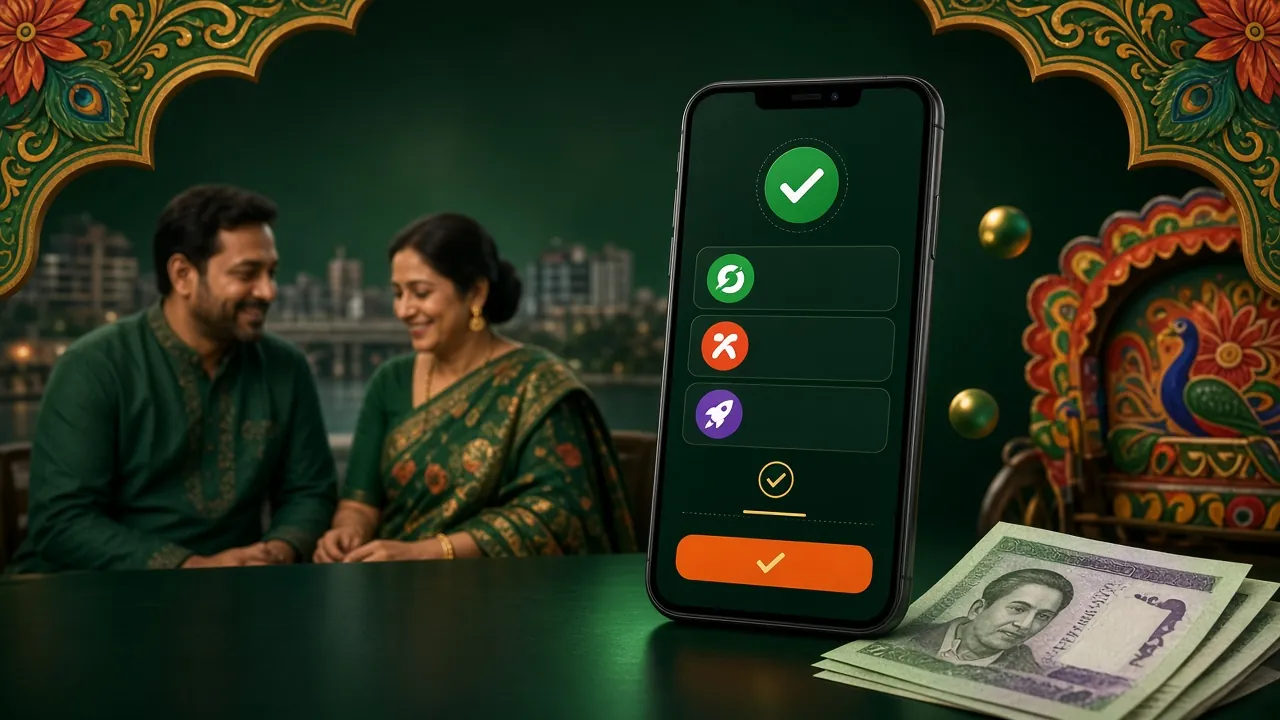
Depositing via bKash — Step by Step
bKash is the most widely used mobile wallet in Bangladesh, and it is the fastest way to fund your 71bet account. Here is exactly what to do.
bKash Deposit Steps
- Log in to 71bet and select bKash from the Deposit page.
- Note the 71bet bKash merchant number displayed. Enter the amount you want to deposit (minimum ৳250).
- Open your bKash app and tap Send Money (not Payment — Send Money avoids the merchant cashback reversal issue).
- Enter the 71bet bKash number as the recipient. Type the exact deposit amount. Use your 71bet username as the reference when prompted.
- Enter your bKash PIN to confirm. Screenshot or copy the Transaction ID (TrxID) shown after success.
- Return to 71bet, paste the TrxID into the "Transaction ID" field, and tap Confirm Deposit.
- Your balance updates within about 5 minutes. If not, contact 24/7 Live Chat with the TrxID.
Depositing via Nagad
Nagad is operated by Bangladesh Post Office and tends to have lower transfer fees from your end compared to some other wallets. The 71bet process mirrors bKash almost exactly.
Nagad Deposit Steps
- On the 71bet Deposit page, choose Nagad. The correct Nagad number will appear.
- Open the Nagad app. Tap Send Money.
- Enter the 71bet Nagad number and your chosen deposit amount (minimum ৳250). Add your 71bet username in the reference field.
- Confirm with your Nagad PIN. Copy the transaction reference number displayed.
- Return to 71bet, enter the reference number, then tap Confirm Deposit. Balance arrives in ~5 minutes.
Depositing via Rocket
Rocket (formerly DBBL Mobile Banking) is linked to Dutch-Bangla Bank. If you already use Rocket for your day-to-day banking, it is a convenient option to top up 71bet.
Rocket Deposit Steps
- Select Rocket on the 71bet Deposit page. Take note of the Rocket number shown.
- Dial *322# from your Rocket-registered SIM or open the Rocket app.
- Choose Send Money, enter the 71bet Rocket number, and type the exact deposit amount (minimum ৳250).
- Use your 71bet username as the account reference. Confirm with your Rocket PIN.
- Note the confirmation TrxID, return to 71bet, enter it in the form, and submit. Funds reflect in ~5 minutes.
Depositing via Upay
Upay is United Commercial Bank's mobile wallet. If you hold a UCB account, Upay often allows larger single-transaction limits than other wallets. Steps are straightforward.
Upay Deposit Steps
- On the Deposit page at 71bet, tap Upay and copy the Upay number displayed.
- Open your Upay app. Select Send Money.
- Paste in the 71bet Upay number. Enter your deposit amount (minimum ৳250) and add your 71bet username as a note.
- Confirm with your Upay PIN. The app shows a success screen with a reference number — save it.
- Go back to 71bet, enter the reference number in the deposit form, and hit Confirm. Done in ~5 minutes.
Depositing via Bank Transfer
Bank Transfer suits players who prefer to move money directly from a savings or current account, or who want to deposit larger sums in one go. Processing still typically completes within about 5 minutes during business hours.
Bank Transfer Deposit Steps
- Select Bank Transfer on the 71bet Deposit page. The page shows the destination bank account name, number, routing, and branch.
- Log in to your own internet banking or visit a branch. Create a new beneficiary using the details provided by 71bet.
- Enter your deposit amount (minimum ৳250). In the remarks or narration field, write your 71bet username — this is essential for the payment to be matched.
- Authorize the transfer with your bank's OTP or in-branch approval. Note the payment confirmation reference or UTR number.
- Return to the 71bet deposit form, enter the reference number, and submit. Contact Live Chat if funds do not arrive within 15 minutes.
Why Deposits Fail — and How to Fix Them
Most deposit issues come down to a few common mistakes. Here are the ones 71bet's support team see most often, along with what to do about them.
| Error / Symptom | Likely Cause | Fix |
|---|---|---|
| Balance not updated after 10 minutes | TrxID not submitted, or wrong TrxID entered | Open Live Chat, share the correct TrxID. Support credits within minutes. |
| Transaction rejected by bKash/Nagad | Daily wallet limit reached, or wrong number typed | Check your wallet's remaining daily limit. Double-check the 71bet number before sending again. |
| "Amount mismatch" error on 71bet form | Amount sent differs from amount entered on 71bet side | Always send the exact same figure. If it went through on the wallet, contact Live Chat with proof. |
| Duplicate payment warning | Clicked "Confirm" twice on the form | Do not resubmit. Wait 5 minutes, then check your balance. If still wrong, contact support. |
| Sent money but no deposit form filled | Payment sent before opening the form, so no TrxID was recorded | Open a new deposit request, leave the amount field matching your payment, paste the TrxID, and submit. Then contact Live Chat. |
| Bank transfer delayed past 15 minutes | Username missing from remarks, or bank processing backlog | Share the UTR number with Live Chat. Always include your 71bet username in bank transfer remarks. |
Deposit Questions Answered
What is the minimum amount I can deposit at 71bet?
The minimum deposit at 71bet is ৳250 for all five payment methods — bKash, Nagad, Rocket, Upay, and Bank Transfer. There is no maximum set by 71bet itself, though your wallet provider's own daily limits may apply.
How long does a 71bet deposit take to show in my account?
Deposits typically arrive within about 5 minutes of your payment being confirmed by the wallet or bank. The main factor is how quickly you submit the TrxID on the 71bet deposit form after sending money. If you wait too long to submit the form, resolution can take slightly longer — always submit right away.
Does 71bet charge any deposit fee?
71bet itself charges no deposit fee. Your own mobile wallet may apply a standard send-money charge (for example, bKash charges a small fee on Send Money transfers). Check your wallet app for the current rate before you deposit.
Can I use someone else's bKash or Nagad account to deposit?
No. Deposits must come from a wallet or bank account registered in your own name. Using another person's account can delay your deposit and may cause it to be flagged during the KYC verification process. Always use your own payment accounts.
Will depositing unlock the first-deposit welcome bonus?
Yes — your first qualifying deposit at 71bet triggers the welcome bonus of 250% up to ৳7,500. The minimum qualifying deposit is ৳250. The bonus carries a 14× wagering requirement. Full bonus terms are explained on the Bonus & VIP page.
What happens if I sent money but forgot to submit the deposit form on 71bet?
Your wallet payment still went through. Open a new deposit form on 71bet, enter the amount you sent, paste in the TrxID, and submit. Then message Live Chat immediately so a team member can verify and credit your account without delay.
Can I deposit using the 71bet mobile app?
Yes. The deposit flow in the 71bet Android app works exactly the same as on the mobile browser. You can switch between your wallet app and the 71bet app without losing your session. Download details are available on the 71bet App page.
Ready to Deposit and Play?
If you do not have a 71bet account yet, registration takes under two minutes. Your first deposit of ৳250 or more qualifies for the welcome bonus. Already registered? Head straight to the deposit page inside your account.
18+ Play responsibly. Gambling involves financial risk.